Device problems
Computers not starting, slow performance, display or keyboard faults



Engineers at your site to install new equipment, move existing setups and resolve problems, with every job closed against a signed report.
Computers not starting, slow performance, display or keyboard faults
No connectivity, slow internet, Wi-Fi drop-outs, printer sharing failures
Application errors, activation problems, email configuration
Virus infections, suspicious activity, antivirus failures
Device preparation, accounts and access for new joiners
Diagnosis on site, with repair or replacement arranged through Repairs
 01
01
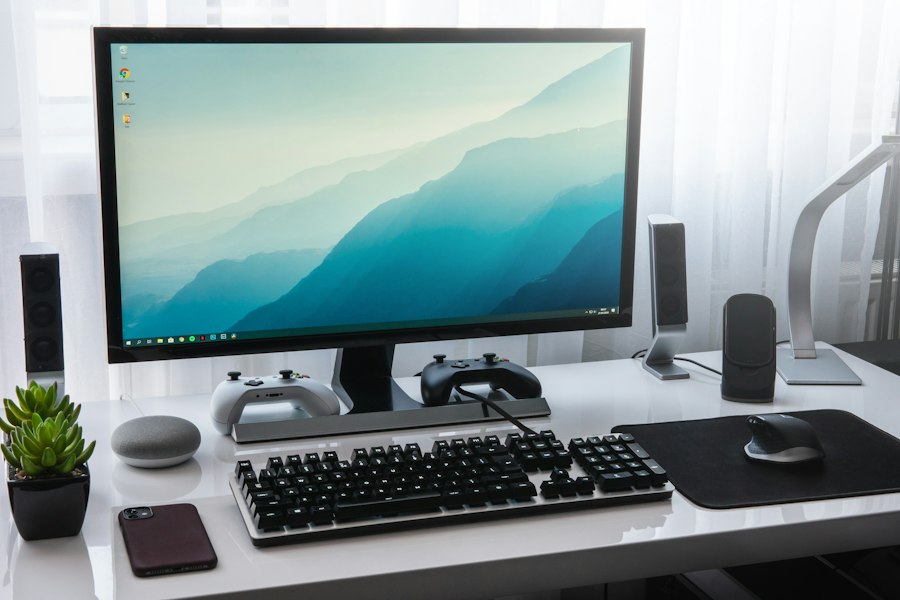
Computers, laptops, servers, storage, printers and displays unpacked, installed, connected and tested.
 02
02
Operating systems, office applications, business software and antivirus installed and activated.
 03
03
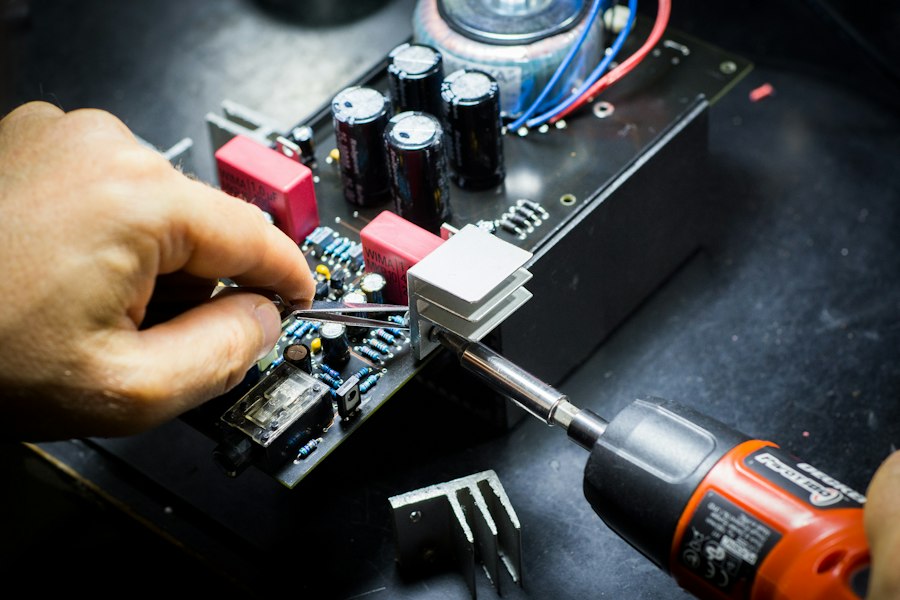
Memory, storage, processor and operating system upgrades on existing equipment.
 04
04
Computer labs, smart classrooms and AR/VR labs installed to a uniform configuration.
Power points, network points, furniture and space confirmed before delivery.
Equipment installed at each location as per the agreed layout.
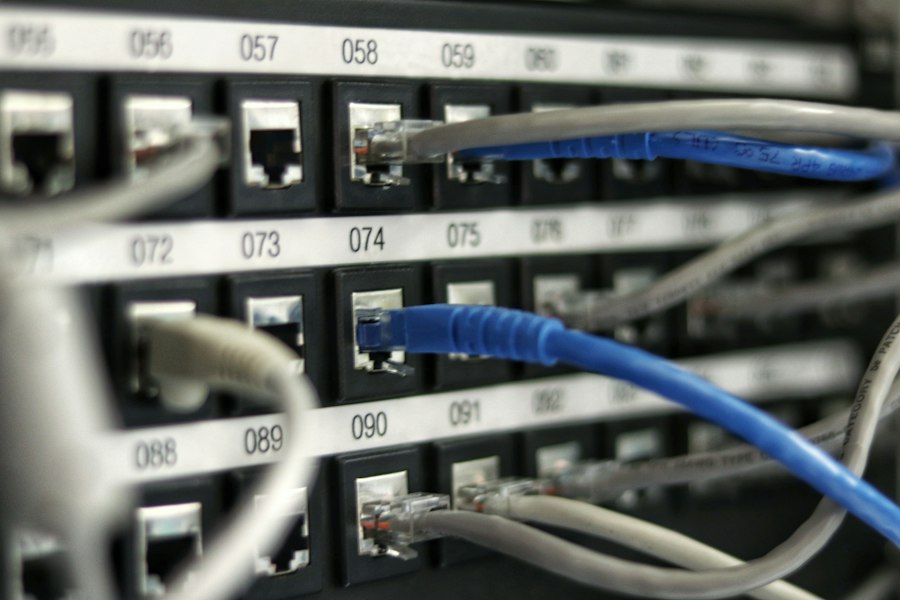
Network, user accounts, printers and software set up.
Each device tested with the user or your nominated person.
Installation report signed, listing equipment, serial numbers and locations.
When equipment under warranty fails, Systune manages the claim with the manufacturer.
Engineer confirms the fault and checks warranty status.
Case logged with the manufacturer with fault details and serial number.
Systune follows up until the manufacturer's engineer visits or the part is replaced.
Device tested after repair and the case closed with you.
Installations, rollouts and relocations against a fixed scope
Regular and on-call support at a fixed annual cost
Share the location, the equipment involved and a short description of the work or issue.