Users
Total users and the number working at the same time

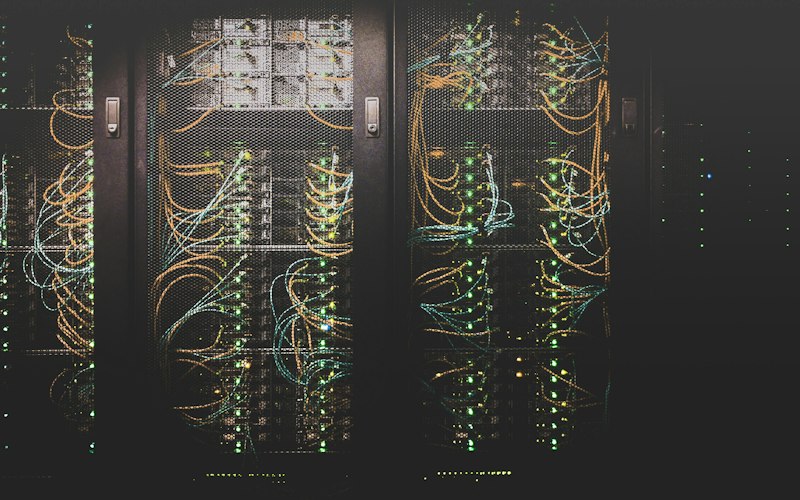

Servers and workstations sized by calculation, not by guesswork, so the hardware handles your workload on day one and through its full working life.
Total users and the number working at the same time
Each application to be hosted: Tally, ERP, databases, file sharing, directory services
Current data size and expected annual growth
Response time expectations for critical applications
Acceptable downtime, need for redundant drives, power and network
Backup window, retention and recovery time required
Expected working life of the server, typically several years
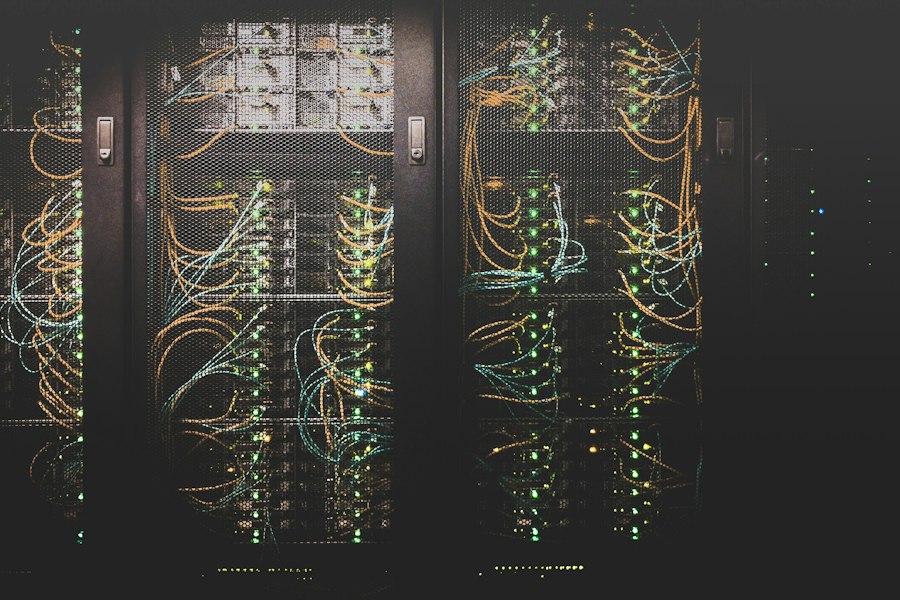
Core count and speed for concurrent users and applications
Application and database requirements, with headroom for growth
Capacity for data growth and performance for databases, with RAID level selected
Dual power supplies, RAID and spare capacity, as required by availability needs
Tower or rack, based on the site and future expansion
Server OS and user or device access licenses for the user count
| Input | What is assessed |
|---|---|
| Software | Each application and version the user runs, such as AutoCAD, Revit, SOLIDWORKS or Adobe tools |
| Software vendor guidance | Recommended specifications and certified graphics hardware, where the software vendor publishes them |
| Type of work | 2D drafting, 3D modelling, rendering, simulation or video editing |
| Model and file size | Typical size and complexity of the drawings, models or projects |
| Display needs | Screen count, resolution and colour accuracy |
| Mobility | Desk-based or mobile workstation |
The workstation and software license are specified together, so the machine and the license match.
Users, applications, data and availability needs discussed with your team.
Existing servers, storage and workstations assessed, where applicable.
Processor, memory, storage and redundancy calculated from the inputs.
Configurations matched across brands for comparison.
Configuration and assumptions reviewed with your team before quotation.
Component-level specification for each server or workstation
Final equipment and license list with pricing

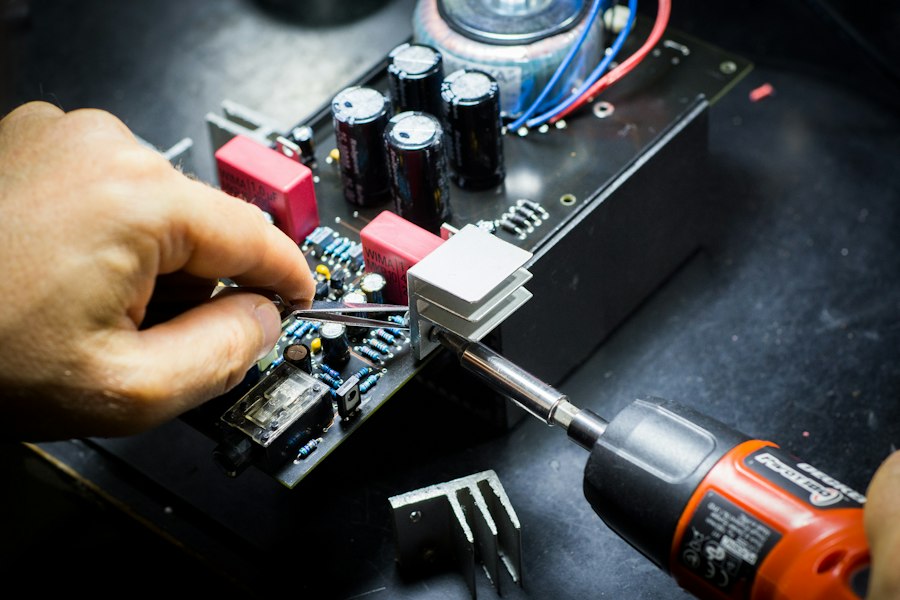
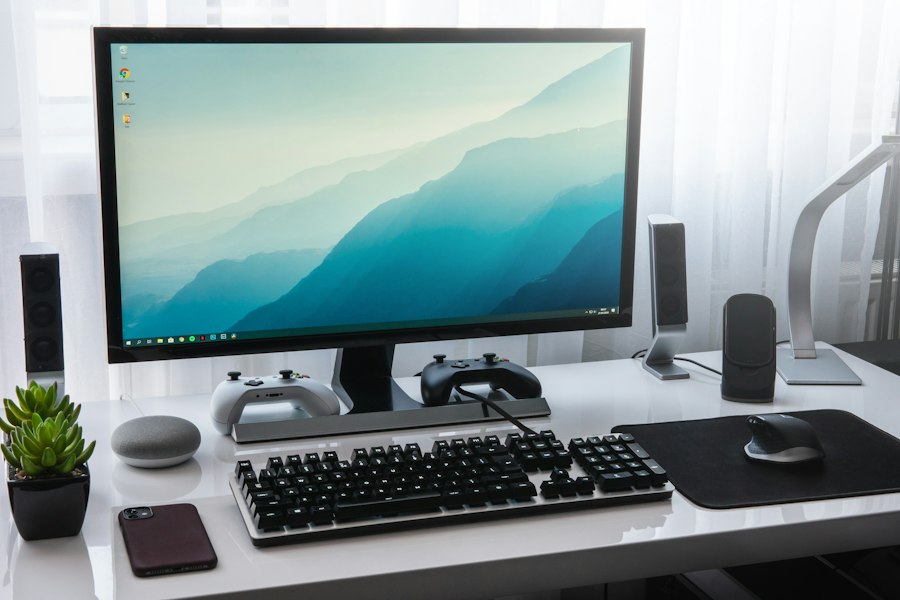
For servers: share user count, applications and data volume. For workstations: share the software, version and the type of work.